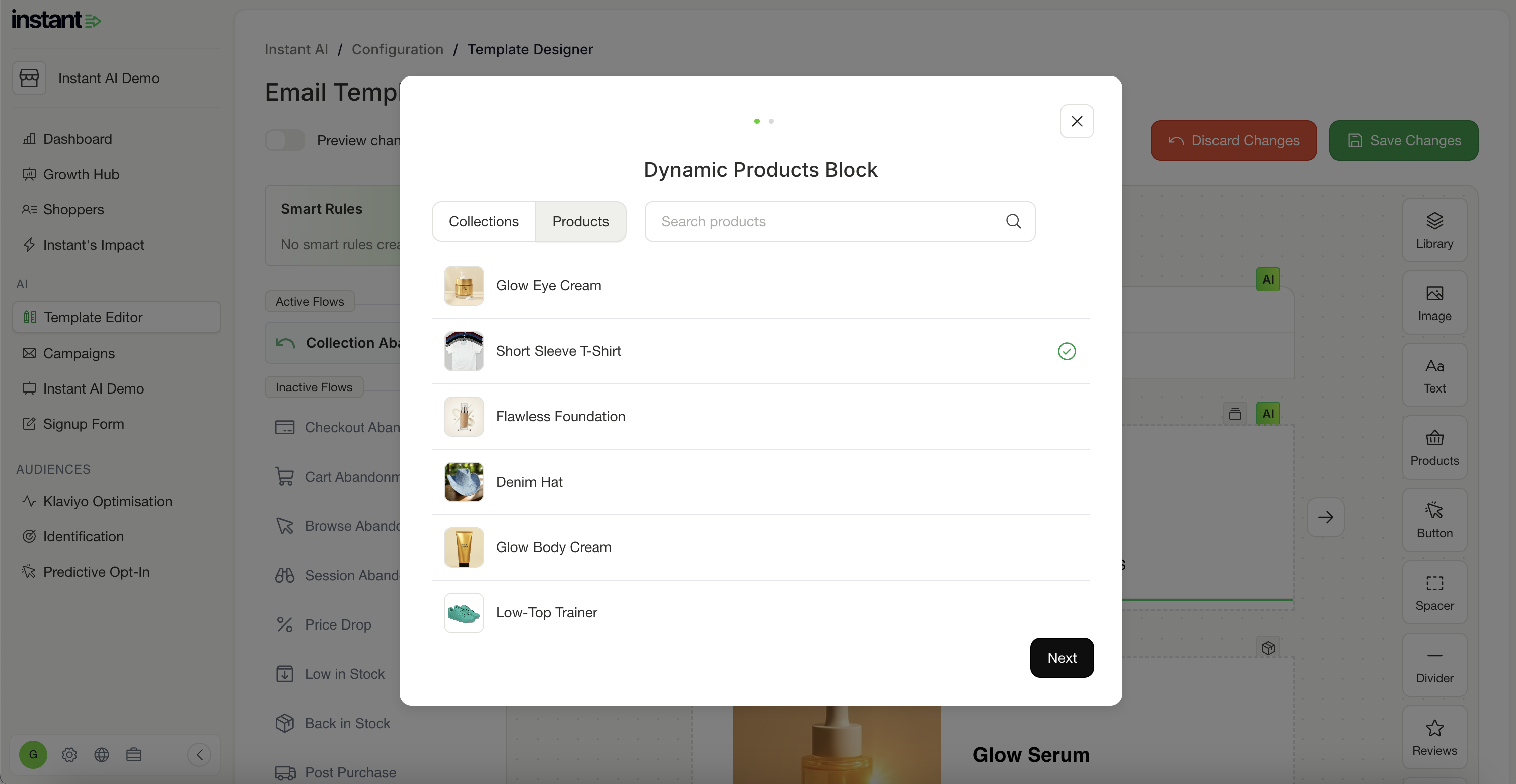
More ways to conditionally show email content with Rules
Released 10th April 2026
What's new?
- Instant AI now lets you manually create dynamic content within your emails
- Instead of one email for everyone, you can now tailor the design based on who's receiving it. Certain customers can get one image, others might get another.
- Use cases like, Show a sale banner only during your sale, then it auto-disappears, a different hero for repeat buyers, or exclusive content for subscription customers
- Rules are filters you apply to blocks inside your email, so we know which block we should use for which customer, without altering any flows
- There are two ways to use Rules: insert a new block that only appears when a condition is met, or replace an existing block with a different version for specific customers
- You can chain multiple conditions together — if the first isn't met, Instant tries the next, and so on
- Filter by location, purchase history, email activity, Shopify tag, or a scheduled date range
- Date-based Rules activate and expire automatically — set it once and your emails update themselves
- Replacing an existing block updates it everywhere it appears across all your emails at once
Read more about how to manage rules with our documentation here
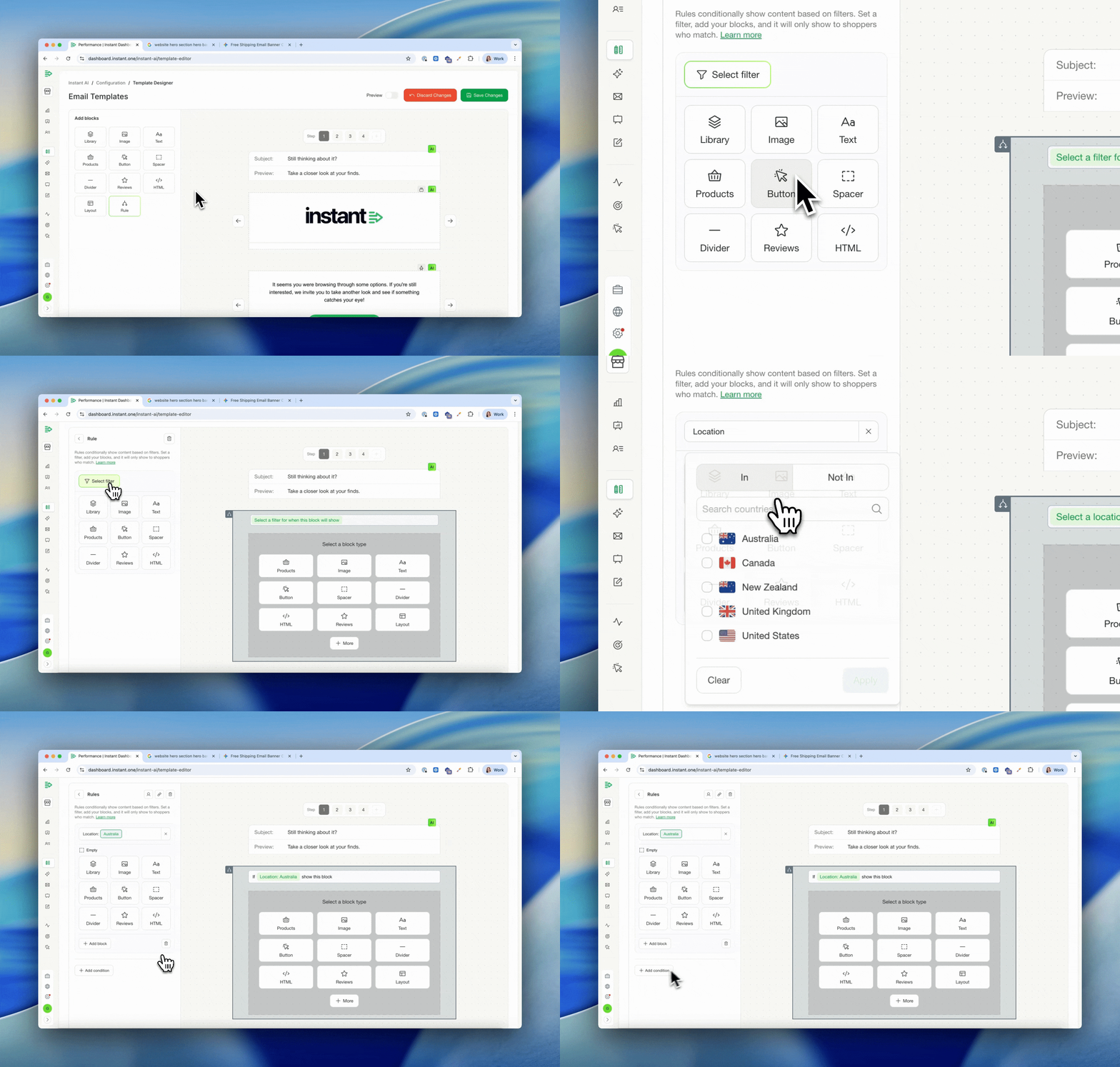
More design options for buttons and dividers
Released 10th April 2026
What's new?
-
There are now more design options when editing buttons and dividers
- This is useful when editing campaigns, and needing to override your brand defaults
- The new options show when editing colours, width, radius, outline, alignment & more
- These are once off overrides and won't apply to other blocks or impact your brand
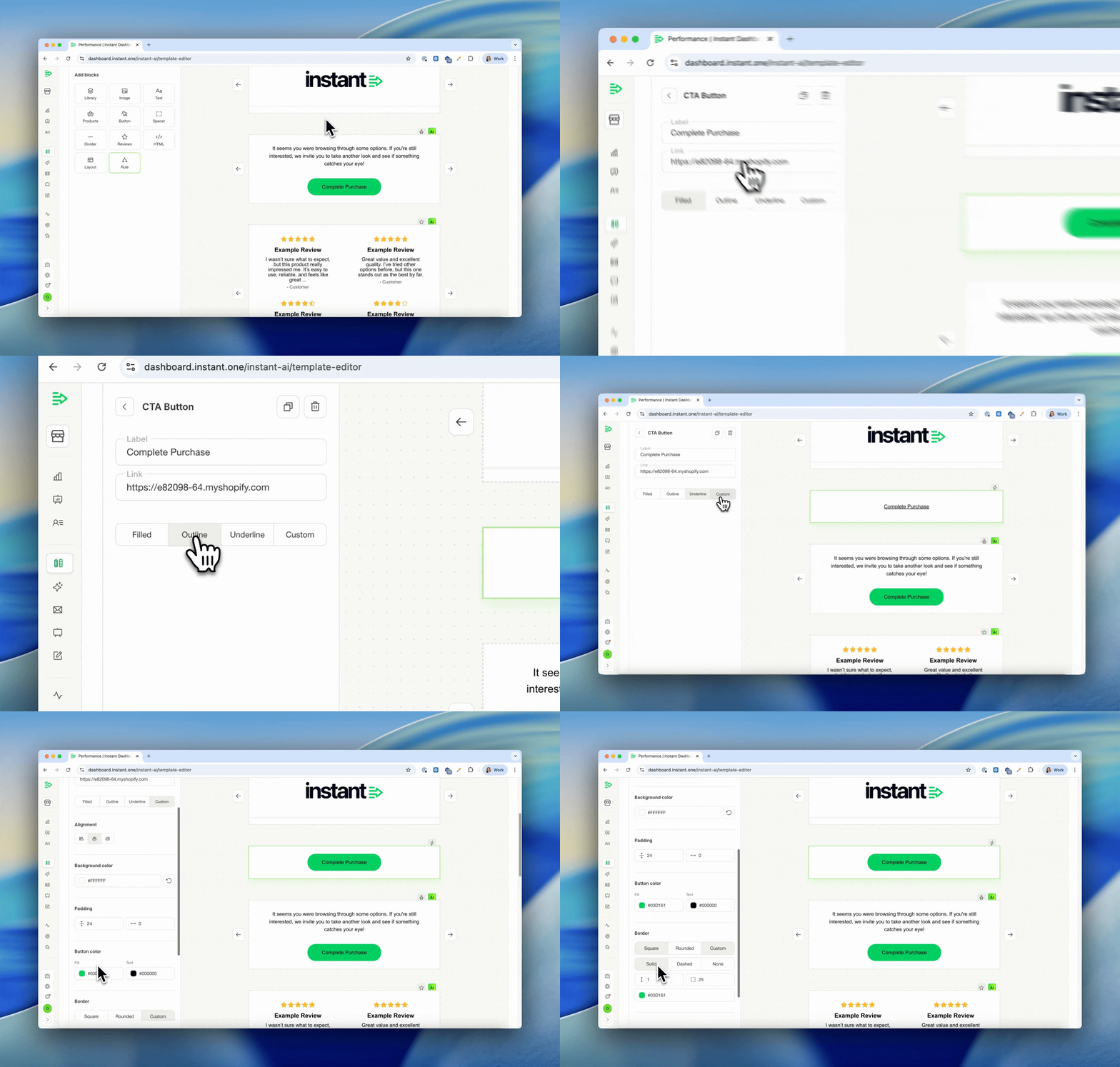
Improved design for empty blocks & re-using layout blocks
Released 20th March 2026
What's new?
-
Easily find your existing email blocks to reuse by selecting more
-
We now save your layout blocks to easily access them again
- We also show a count of how many block types you have in your library to easily find
Extra padding settings on images and text blocks
Released 20th March 2026
What's new?
-
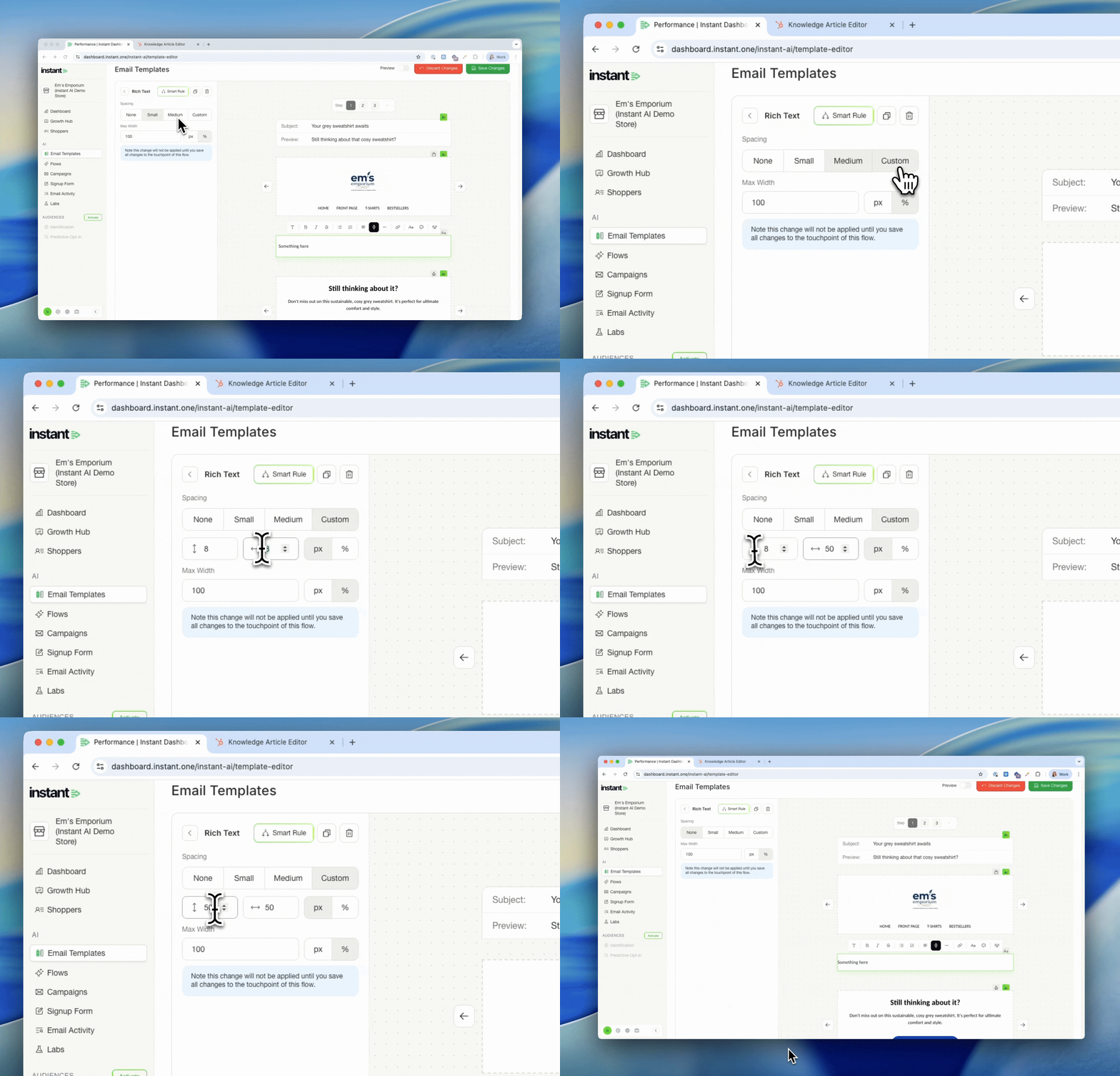
All image blocks and text blocks now have easy pre-set and custom padding settings
-
Easily pick one of our preset styles or custom to get granular
- Custom settings include vertical, horizontal padding by the pixel or percentage
Quick URL sharing for email previews
Released 20th March 2026
What's new?
-
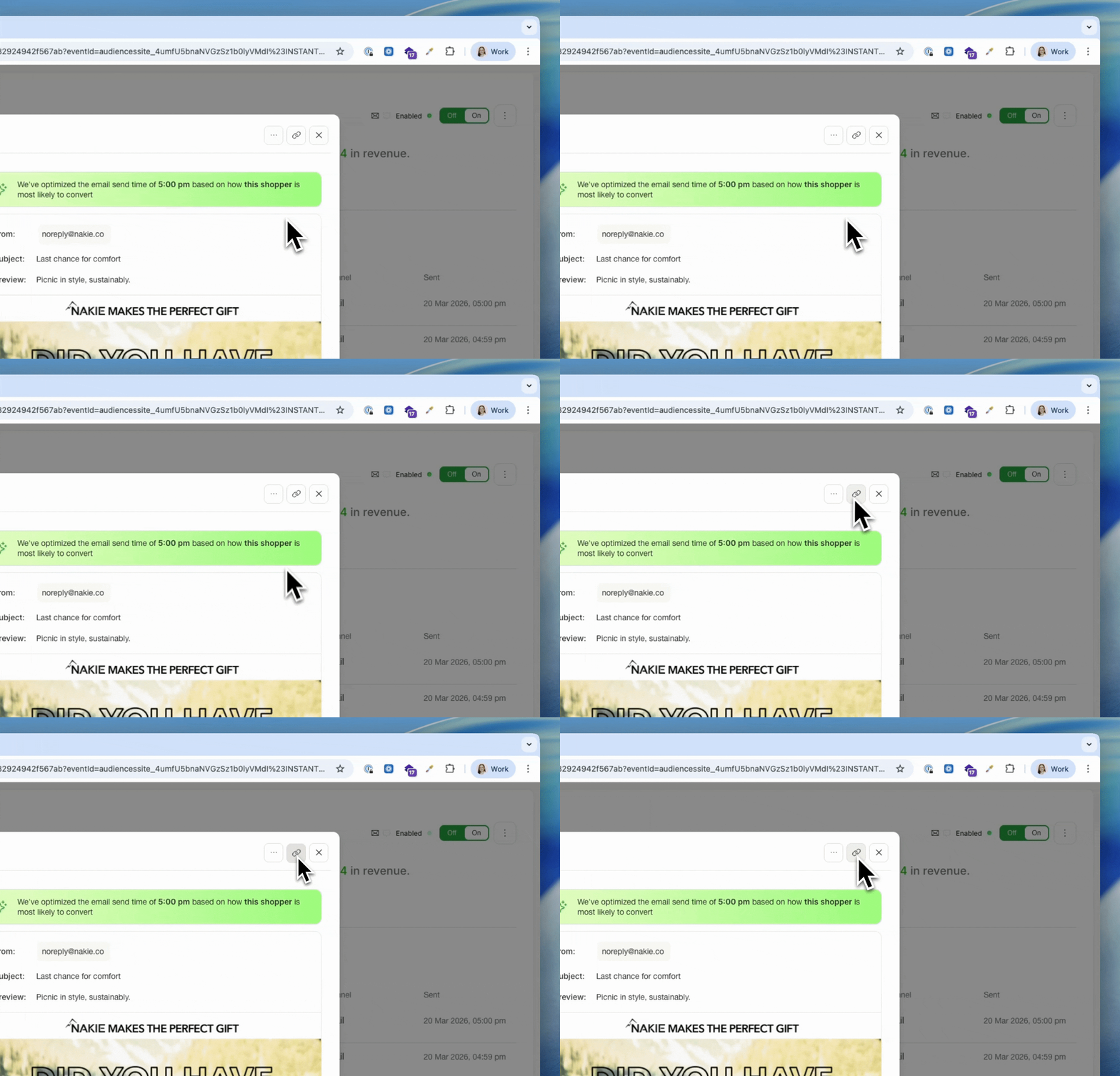
All email previews opened from the flow activity page now have a unique url
-
Copy & Paste from your browser to share an easy link to a specific email
-
Or click the link icon on any email preview to instantly copy & share
Easily re-order blocks with an improved drag & drop experience
Released 13th March 2026
What's new?
-
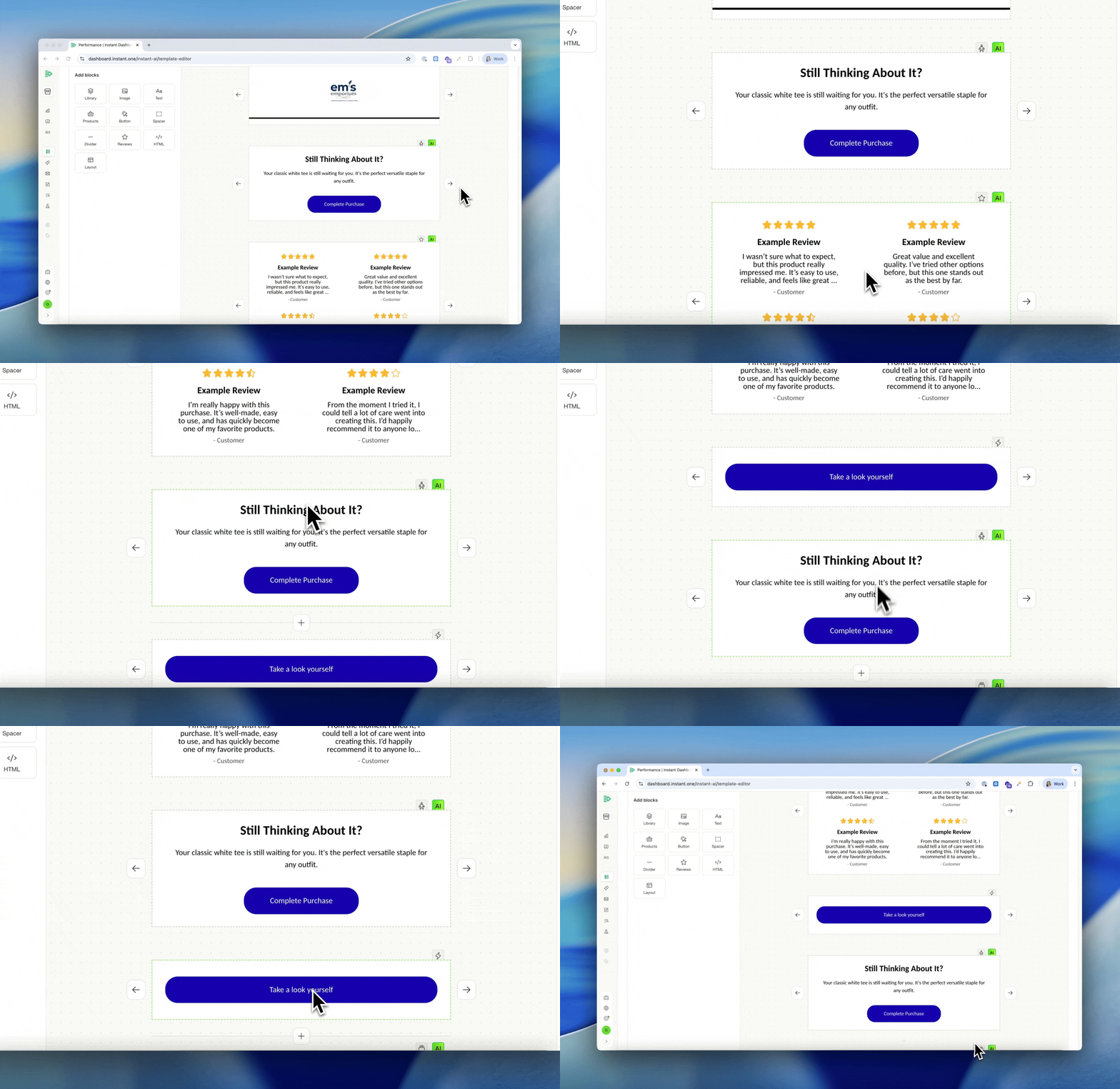
Re-ordering your email is now even easier, and smoother
-
Simply drag and drop your email blocks where you need them to be
-
All previous manual arrow re-ordering are no longer required
Show/hide compare-at prices on Dynamic Product
Released 13th March 2026
What's new?
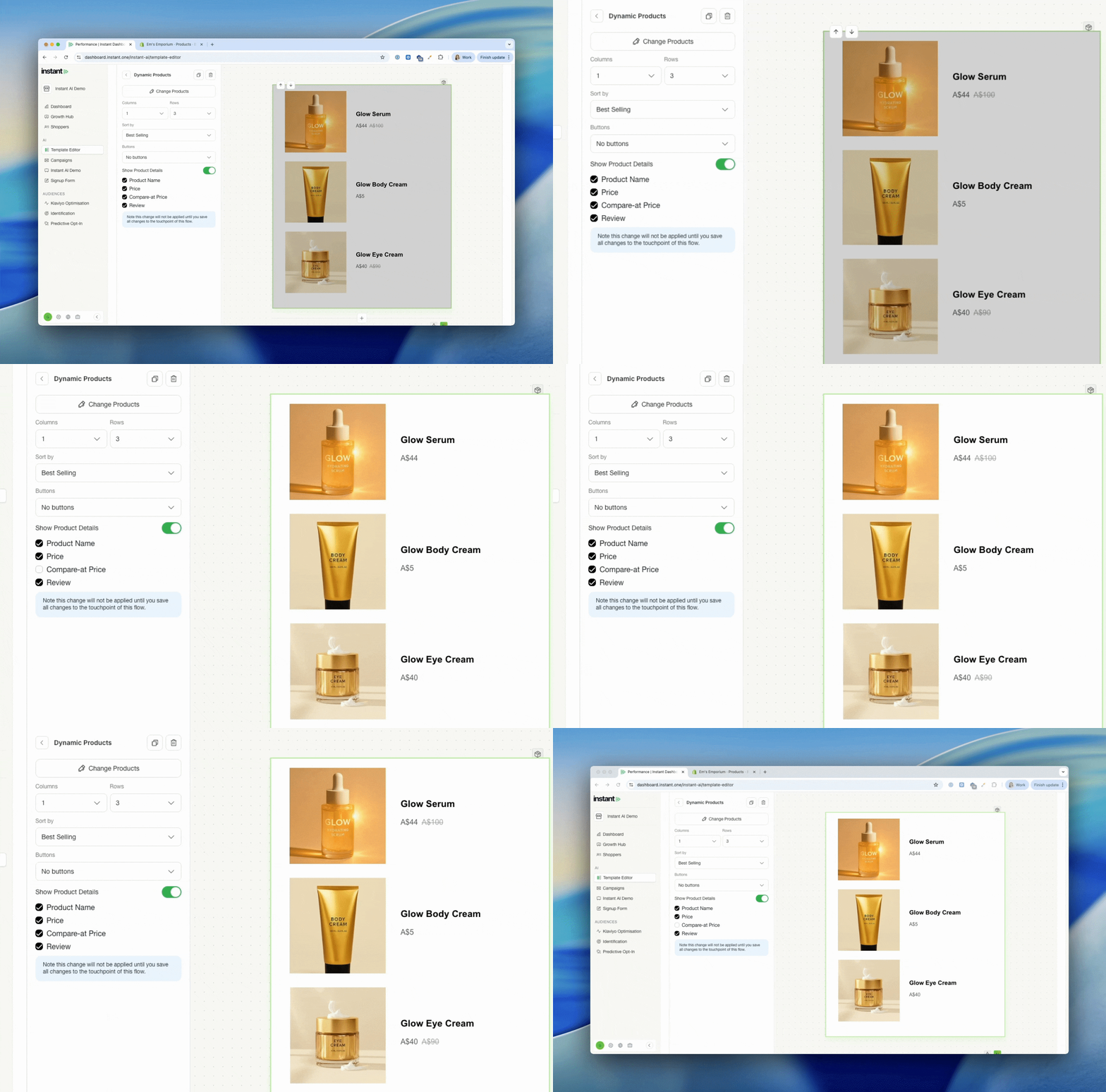
- Product blocks that you manually pick a collection or product to show can now show/hide compare-at price
- You can pick if they want to show a "before and after" price in their campaigns or not
Layouts in Email Designs
Released 11th March 2026
What's new?
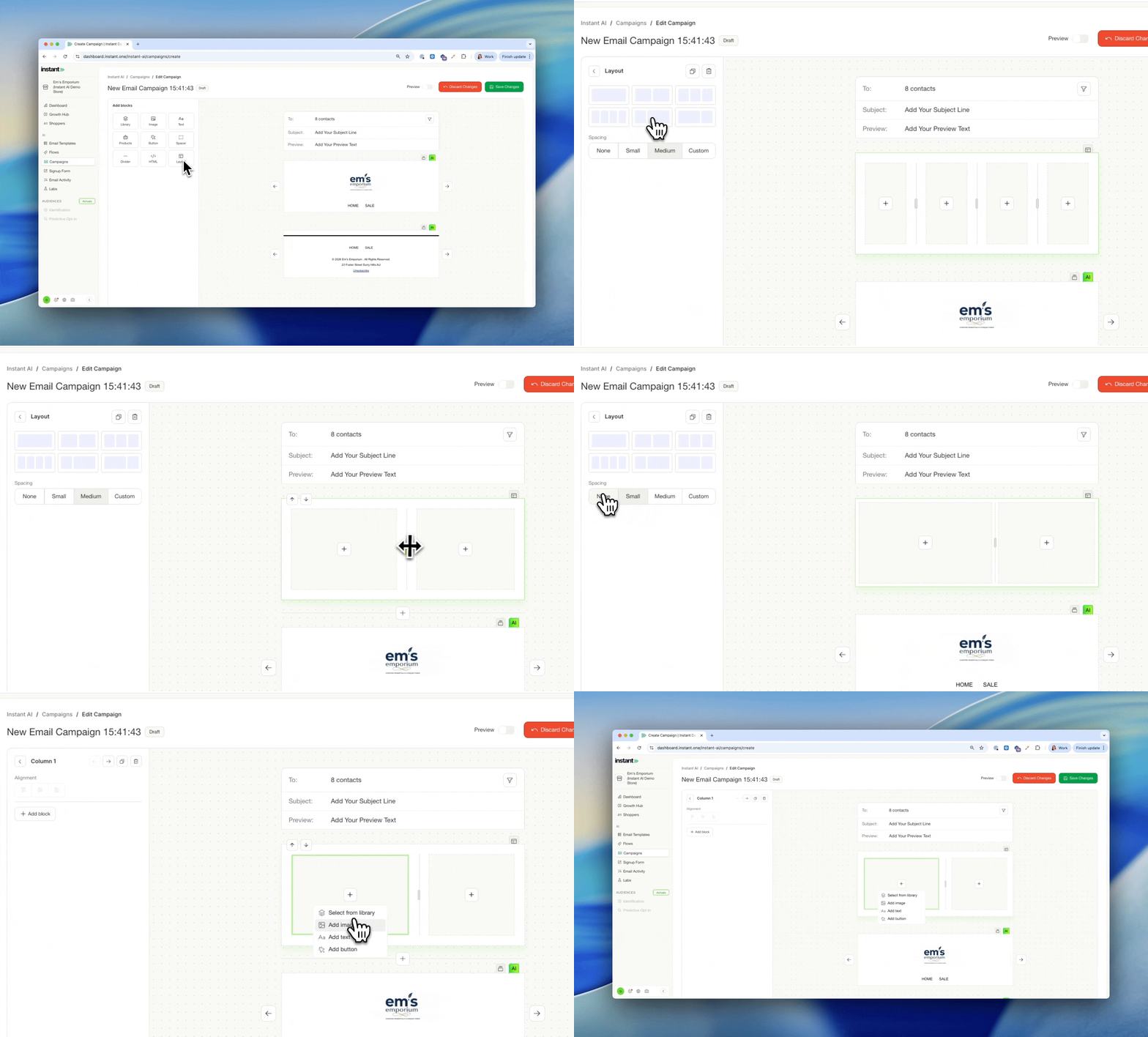
- You can now add a layout block to your emails
- These work like a custom column design, so you can place blocks within a block
- You can add any image, text or text into your layout blocks, with up to 4 columns
- You can place multiple blocks within each column
- Easy settings to control the template, padding and how the blocks format
- You can still add URL's / other settings to the individual block, within a layout block
- These are available on all flows and campaign designs
Active on Site Filter in Segments
Released 9th March 2026
What's new?
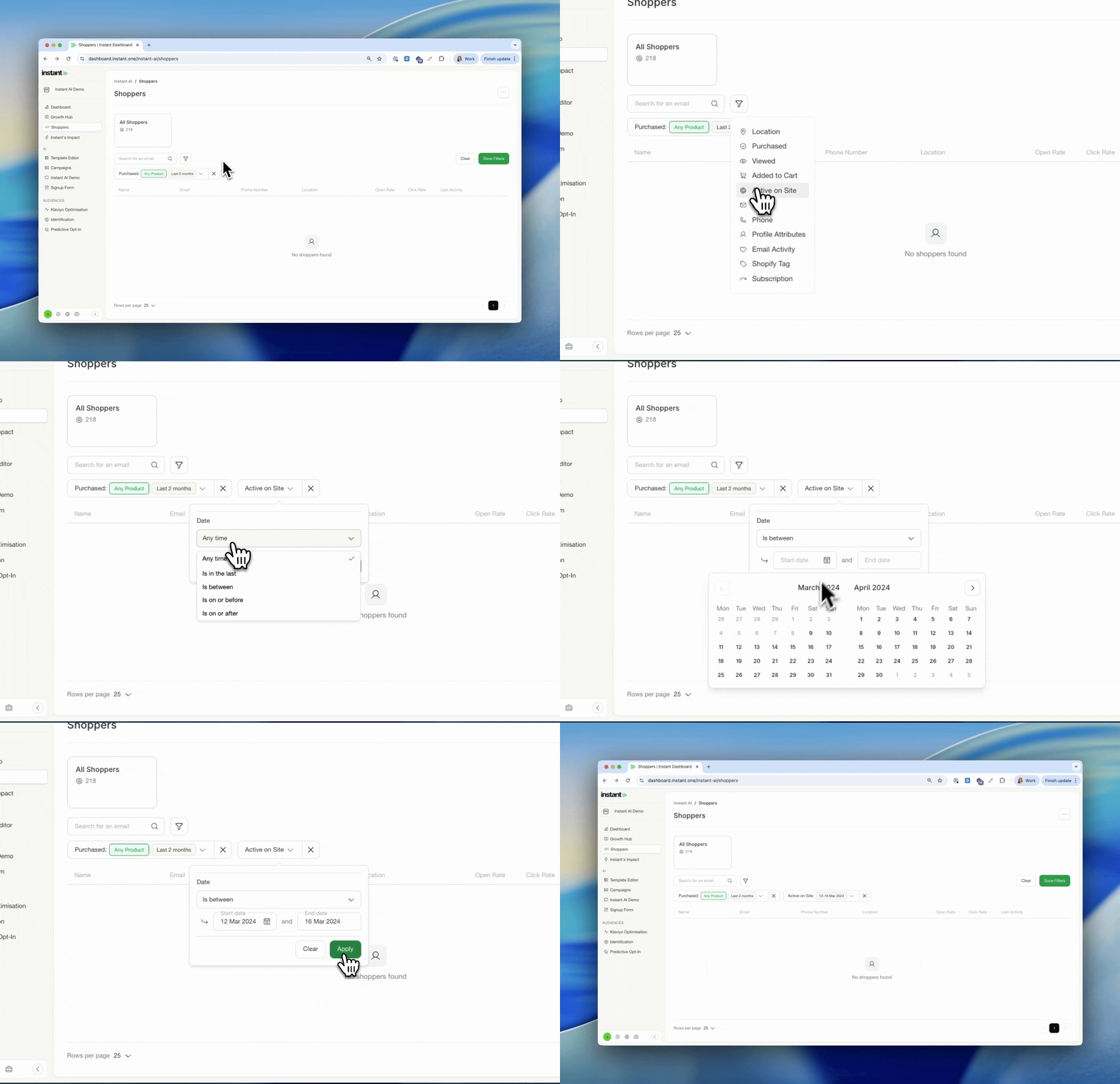
- You can now filter shoppers by when they were last active on your site
- This is available on the Shoppers page and inside Segmentation
- Filter by any time, the last X days, between two dates, on or before, or on or after a specific date
- The date field across all filters now defaults to "Any time", so you only need to set a timeframe if it's relevant to what you're building
Deliverability Dashboard
Released 5th March 2026
What's new?
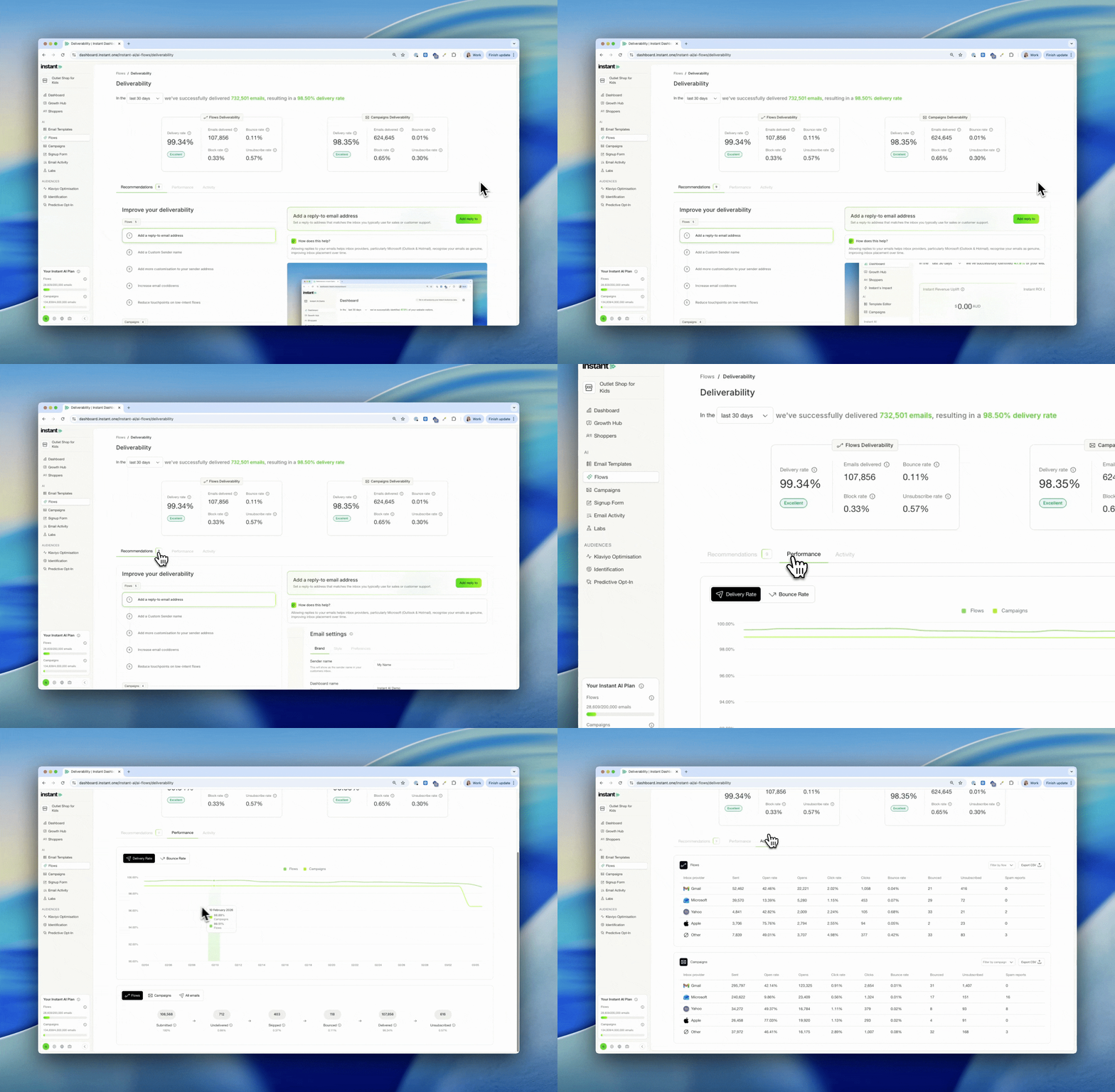
- A new Deliverability Dashboard is now available under Settings → Deliverability
- Select any date range to analyse performance for a specific period, campaign, or flow
- Use the Recommendations tab for actionable suggestions to strengthen your deliverability
- Track trends over time with performance graphs for delivery rate and bounce rate in the Performance tab
- See a full breakdown by inbox provider (Gmail, Microsoft, Yahoo, Apple, and more) including open rate, click rate, bounce rate, unsubscribes, and spam reports
- Filter activity by specific flow or campaign, and export the data as a CSV
Learn more about the Deliverability Dashboard →
Custom Shopper Segments for Campaigns
Released 3rd March 2026
What’s new?
You can now create and save dynamic Shopper Segments and use them directly in Campaigns. This release introduces advanced audience segmentation across both the Shoppers page and Campaigns, giving you more control over who you target and why.
On the Shoppers page
You can now:
-
Apply multiple filters to your full shopper database
-
Combine behaviour, purchase history, tags, subscription status, location, and more
-
See live audience counts as you build
-
Preview exactly which shoppers match your filters
-
Save filter sets as reusable segments
-
Clone, rename, or delete saved segments anytime
Segments are fully dynamic and automatically update as shopper data changes.Every account includes a default All Shoppers segment, which represents your complete database.
In Campaigns
You can now:
-
Select a saved segment when creating a campaign
-
Start with All Marketing Subscribers and refine with filters
-
Add additional filters on top of a saved segment
-
See total vs eligible recipient counts before sending
-
Preview exactly who will receive your email
For multi-step campaigns, you can review and update the selected segment from the Contacts tab without rebuilding the campaign. Campaign eligibility is evaluated at send time, ensuring emails are only delivered to subscribed shoppers.
Improved Drag & Drop file uploader for Images
Released 25th February 2026
What's new?
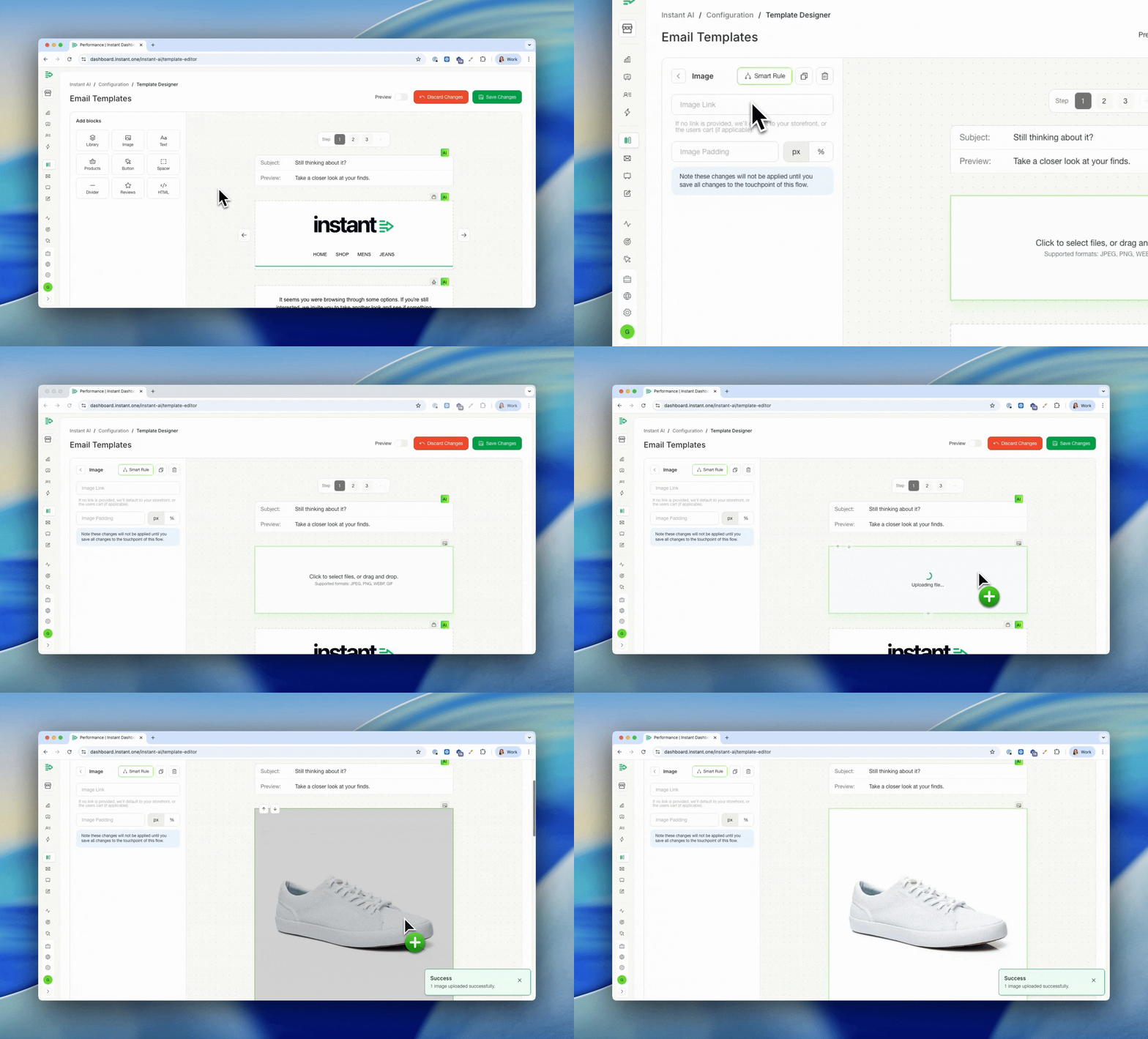
- When adding a custom image to your email editor, there's an improved drag and drop
- Drag your images directly into the placeholder image block to replace it
- No longer need an additional modal for uploading images and a simpler experience
Updated Shopify Installation Instructions
Released 25th February 2026
What's new?
-
We've updated our installation instructions to include more helpful videos and guides
- All of the steps are the same, but now with improved instructions to make it easier
- Instructions include tips on permission checks and "gotchas" along the way
Winback flows can be reduced to 1 touchpoint only
Released 24th February 2026
What's new?
-
Touchpoints 2 and 3 in a Winback flow are now optional
- To reduce these touchpoints, simply view the flow in the email editor and when viewing touchpoint 2 or 3 a delete option will be available
- Removing these touchpoints will apply immediately
Exclude Shoppers with Shopify Tag from Flows
Released 23rd February 2026
What's new?
You can now exclude shoppers from specific flows using Shopify tags, giving you more control over who receives certain emails.
This makes it easier to avoid sending low-intent emails to shoppers who were already likely to convert, such as B2B/Wholesale customers and subscription customers.
- Instant AI now reads and uses existing Shopify tags on shopper profiles
- You can select a Shopify tag and choose which flow that tag should be excluded from
- Any shopper with the selected tag will be skipped during flow enrolment
- Exclusions apply only to the selected flow and do not affect other flows or campaigns
- Excluded shoppers can still receive campaigns and other Instant AI emails
- Shopper profiles now display both Shopify tags and any flows they are excluded from, making it clear why a shopper didn’t enter a flow
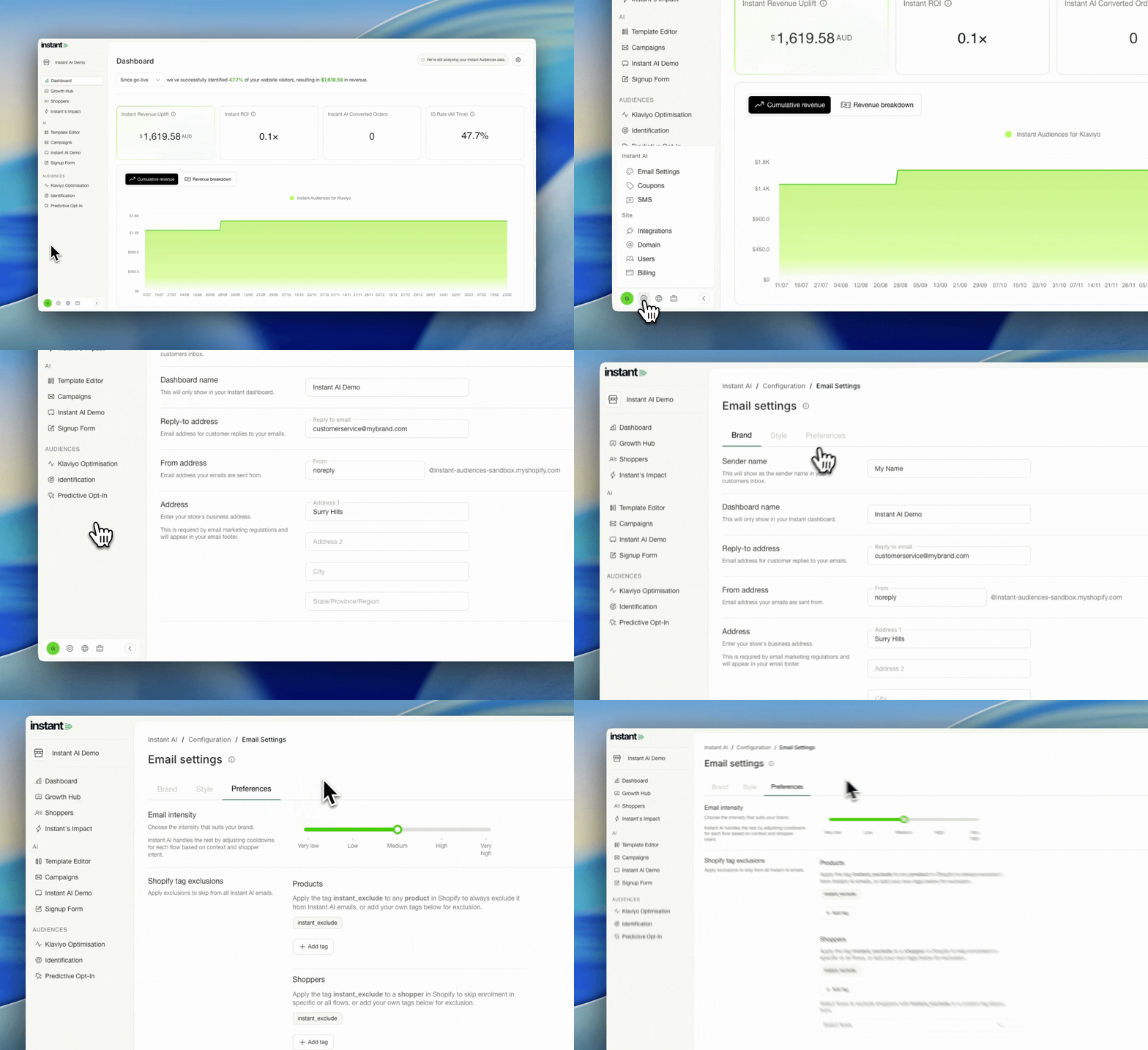
Branding is now called Email Settings
Released 19th February 2026
What's new?
- Branding is now called "Email Settings"
- Your existing settings now have 3 tabs to find relevant settings easily
Improved Email Editor UX
Released 18th February 2026
What's new?
- We've improved your email editor with the same tools but an easier settings menu
- When editing an email, all settings now show on a menu bar to the left
- Easily add a block by selecting on the block type, or library to browse more
- To edit the settings of a block, simply select the block and all settings will show on the left
- Once selected, you can edit, delete or clone any block as you usually would.
- All text on the rich text editor can now be edited directly in line, just select and type
Pop-up Analytics
Released 18th February 2026
What's new?
- Instant AI sign-up form now includes analytics of how many new shoppers you have
- See what percentage and count of new email addresses come from your Instant pop-up
- Live activity table of new sign-ups and their source
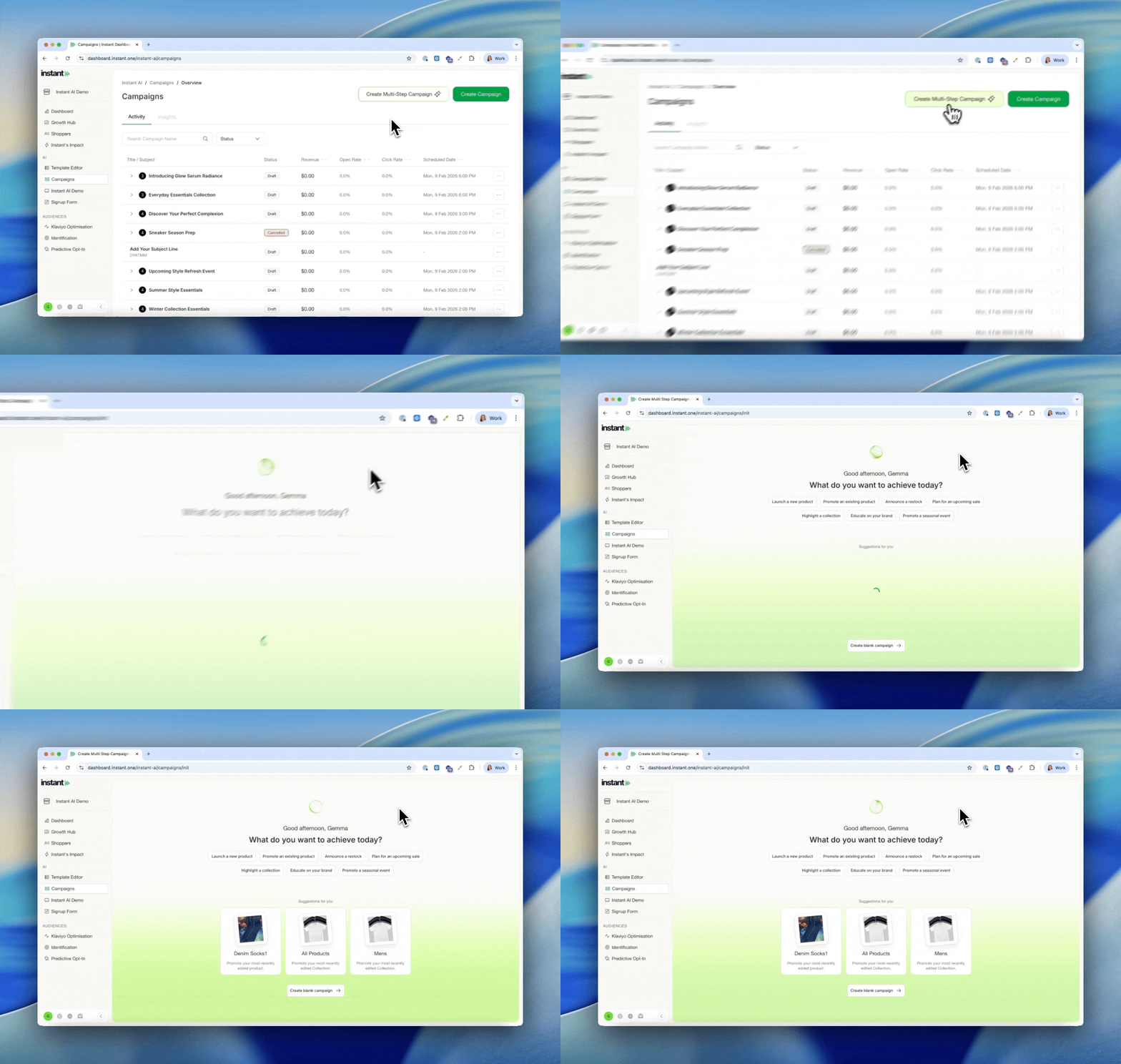
NEW Multi-step Campaigns
Released 9th February 2026
What's new?
- New Campaigns can now be created as a Multistep Campaign
- Create a series of emails as a sequence tied to a business goal
- Emails will still send as individual, once off campaigns but now grouped together
- Better plan your customer journey and multiple emails for a single outcome
- Gain better insights & analytics for how your emails are performing as a group
- Includes even more AI email assistance to help generate an on-brand draft email
- or skip and manually create your own email with more tools to plan your sequence
Improved Campaigns Analytics
Released 2nd February 2026
What's new?
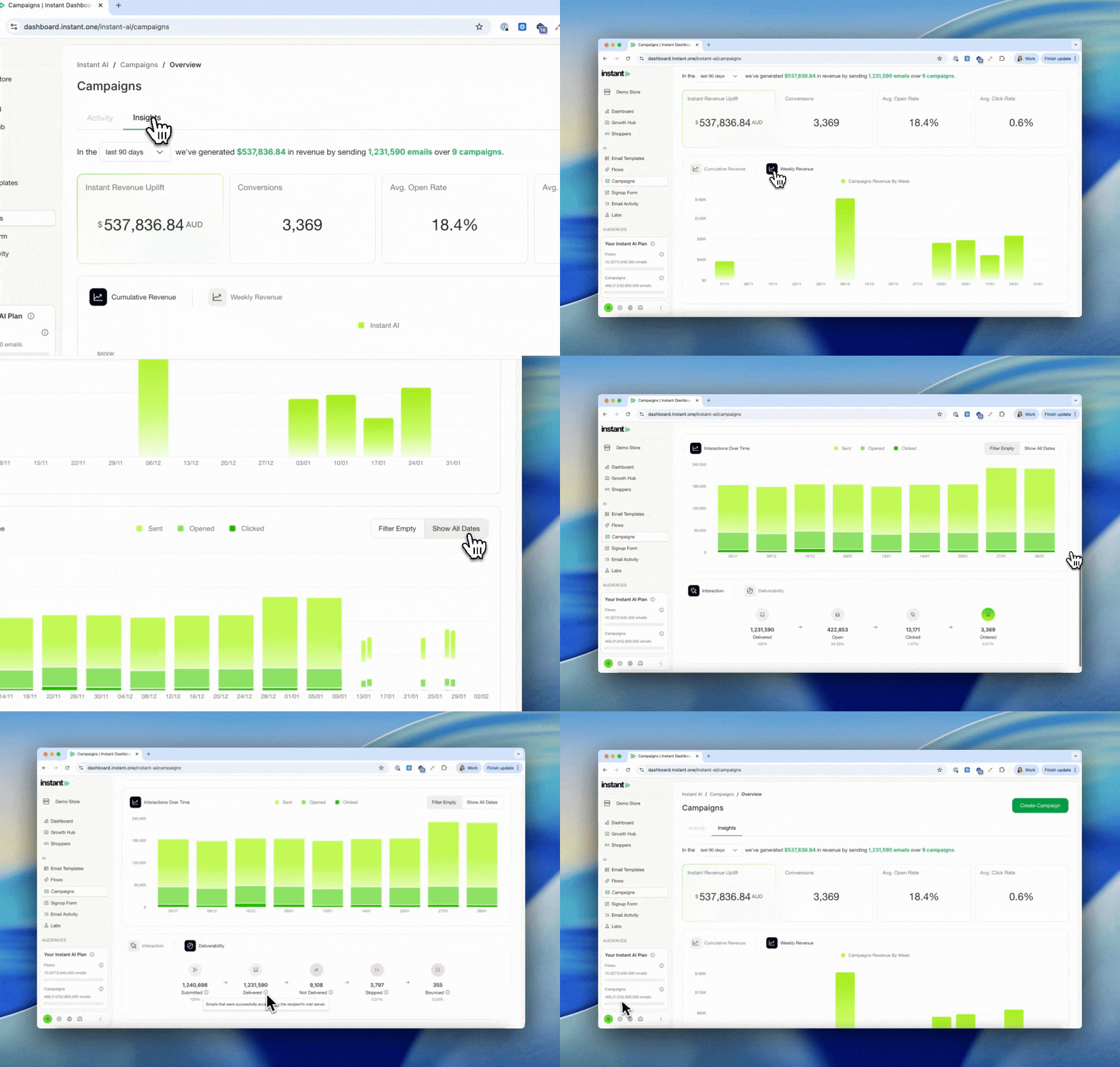
- The campaigns dashboard has now been split into two tabs: Activity & Insights
- The activity tab has an improved table view to easily see campaigns at a glance
- The insights tab has improved analytics and graphs with more performance over time data
- See the cumulative impact with time graphs of campaign revenue, clicks, opens, sends
- Additional deliverability and insights charts showing your averages across all campaigns
New Deliverability Chart on Flow Analytics
Released 21st January 2026
What's new?
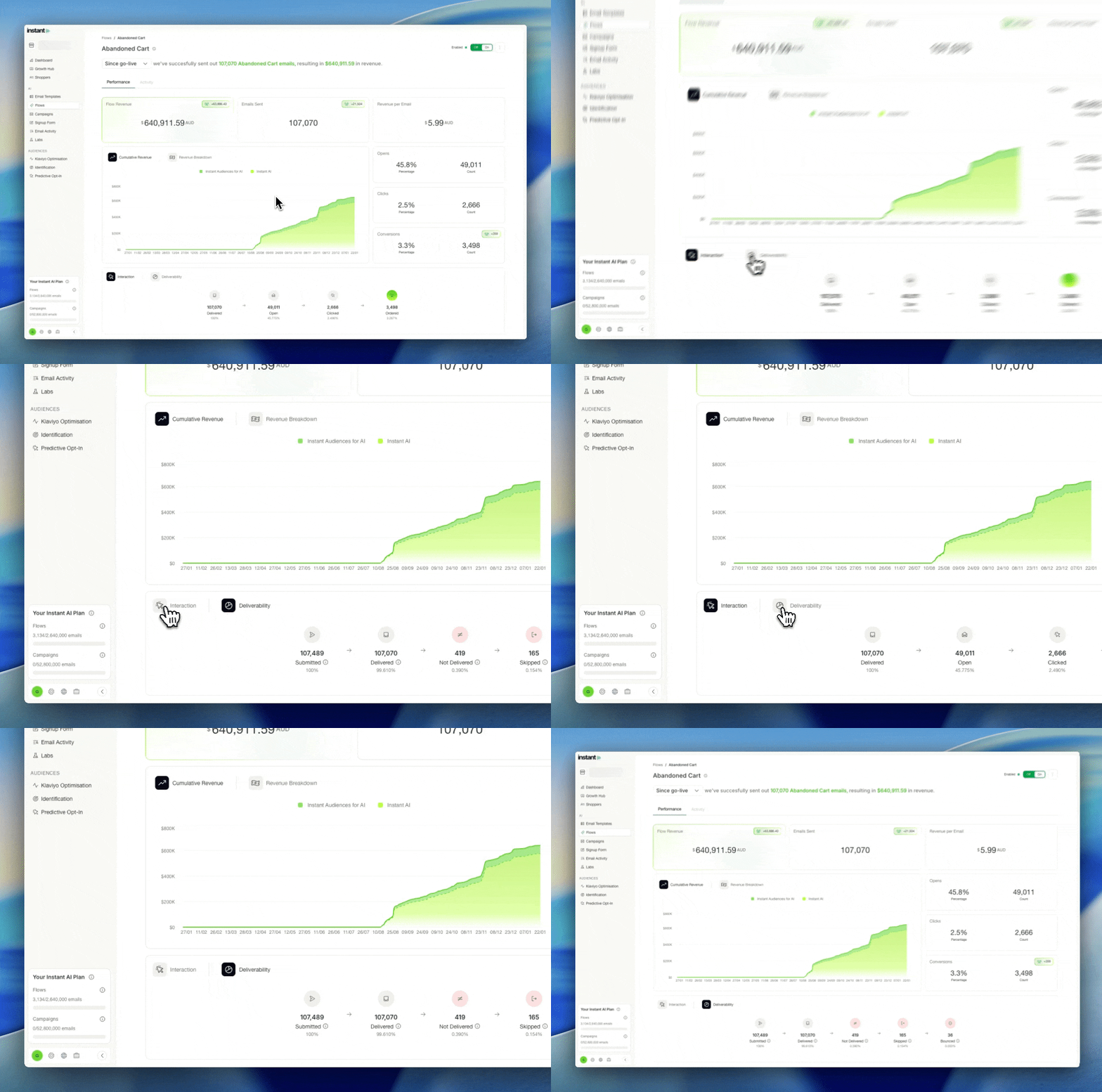
- Updated designs of deliverability charts on each flow
- Easily understand delivered, bounced and skipped events per flow
- Filter different time frames on the report to see the data change over time
More metrics on your Flow Analytics
Released 20th January 2026
What's new?
- Updated designs to better understand unique counts and percentages for each metric
- Applied to metrics such as opens, clicks and conversions
Product Updates feed now in the Growth Hub
Released 16th January 2026
What's new?
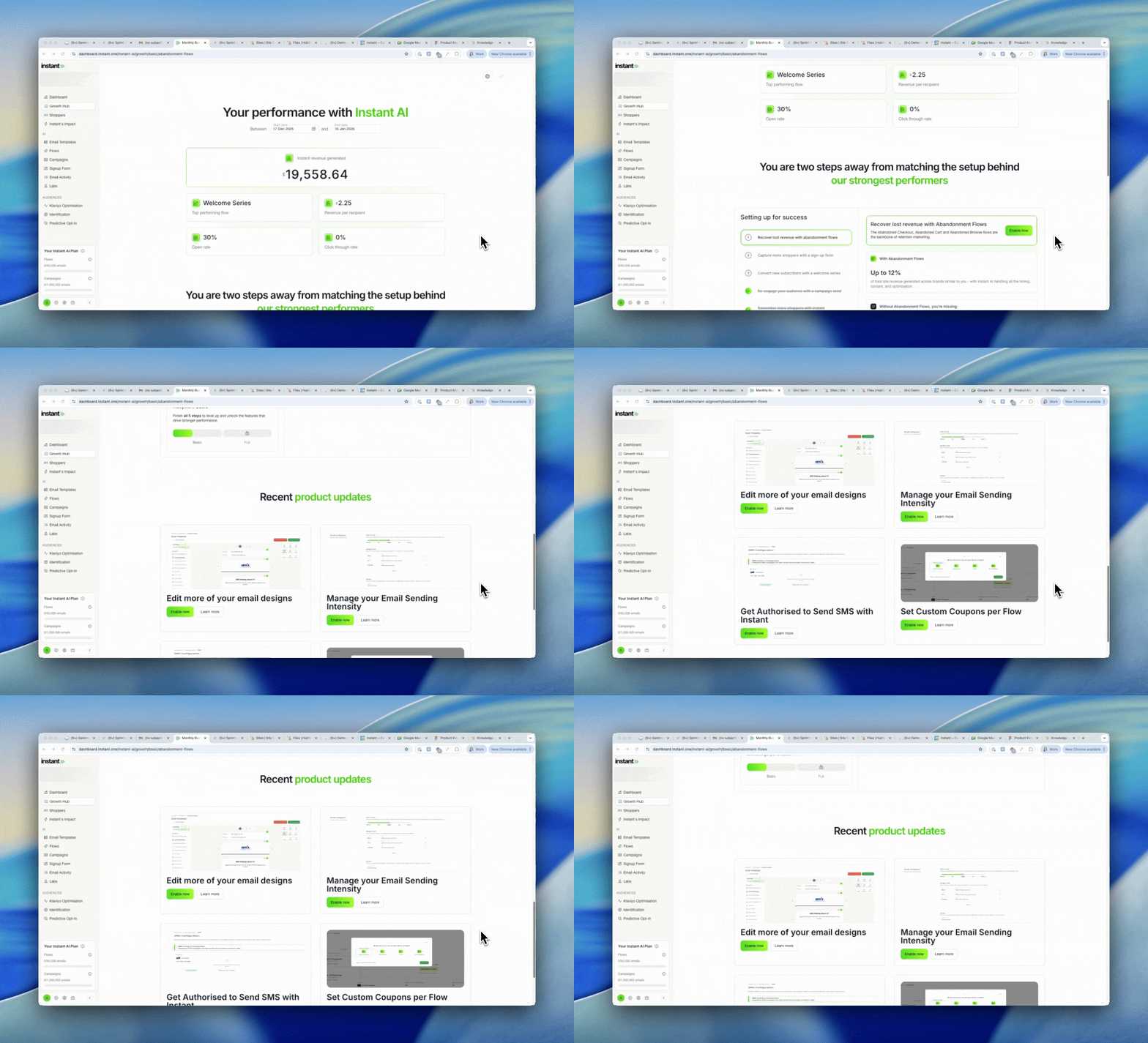
- You can easily access a live feed of feature releases within your Growth Hub
- Check it out at any time, to see our latest 4 big feature releases
- Including links to read more or enable the feature
Labs Dashboard now shows analytics on all abandonment flows
Released 16th January 2026
What's new?
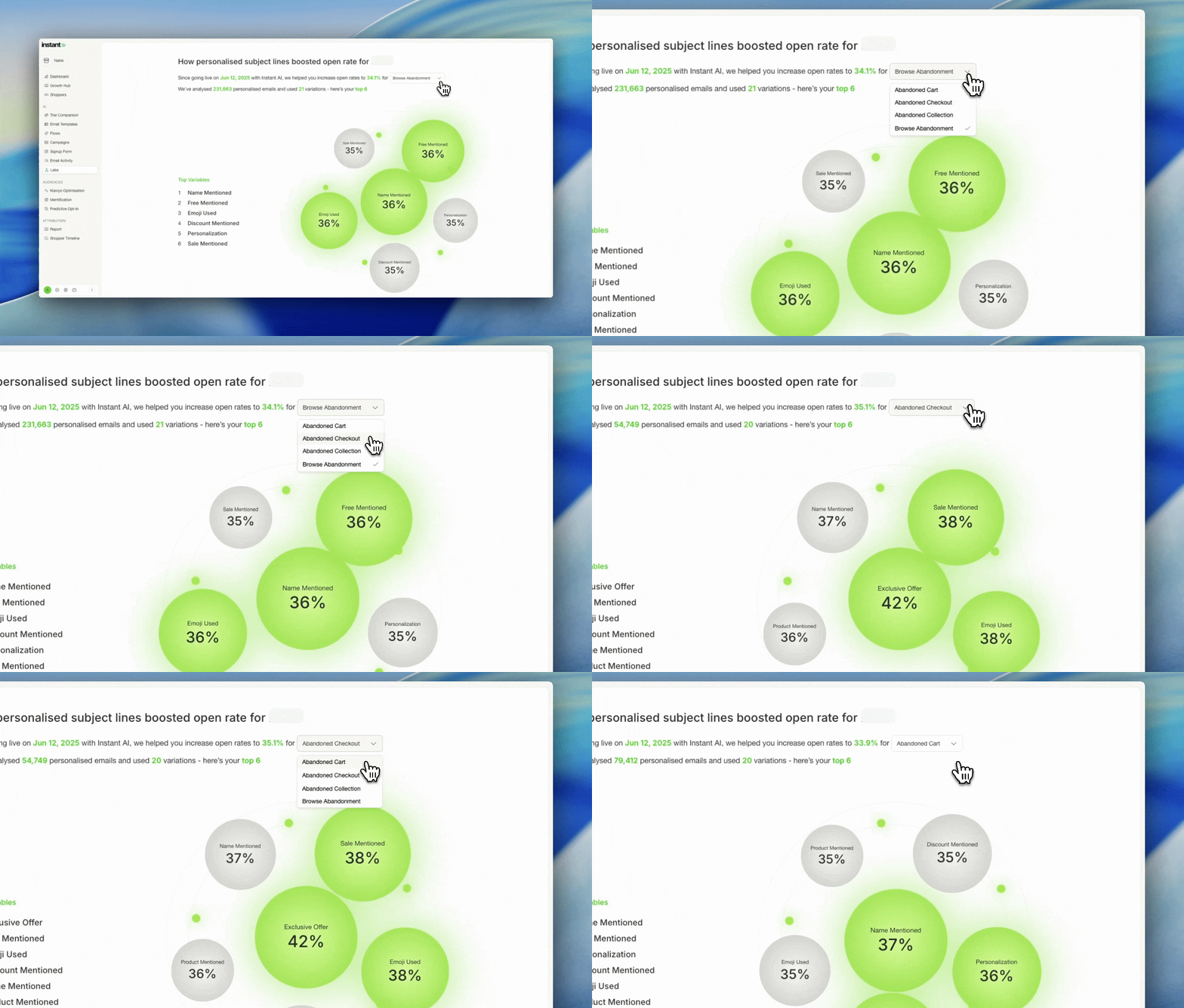
- You can now select from a drop down which flow you'd like to see the Labs report for
- The Labs report includes trend analytics from all subject line experiments
- Available on all abandonment flows that have sent 500 or more emails
- Any flows with a complete report will be available to switch between
New Options for Individual Products on Product Blocks
Released 9th January 2026
What's new?
- You can now select a dynamic product block to be individual products or collections
- These settings are conveniently in the same product block for ease of use
- Simply Select which option, then search and select your choice
- When using a Collections, we automatically de-dupe products if using multiple blocks
- When using a specific Product, we don't automatically de-dupe to honour your selection
- Once you pick your product, we'll display all of the product details in the block
- These can be used in any Flow or Campaign emails