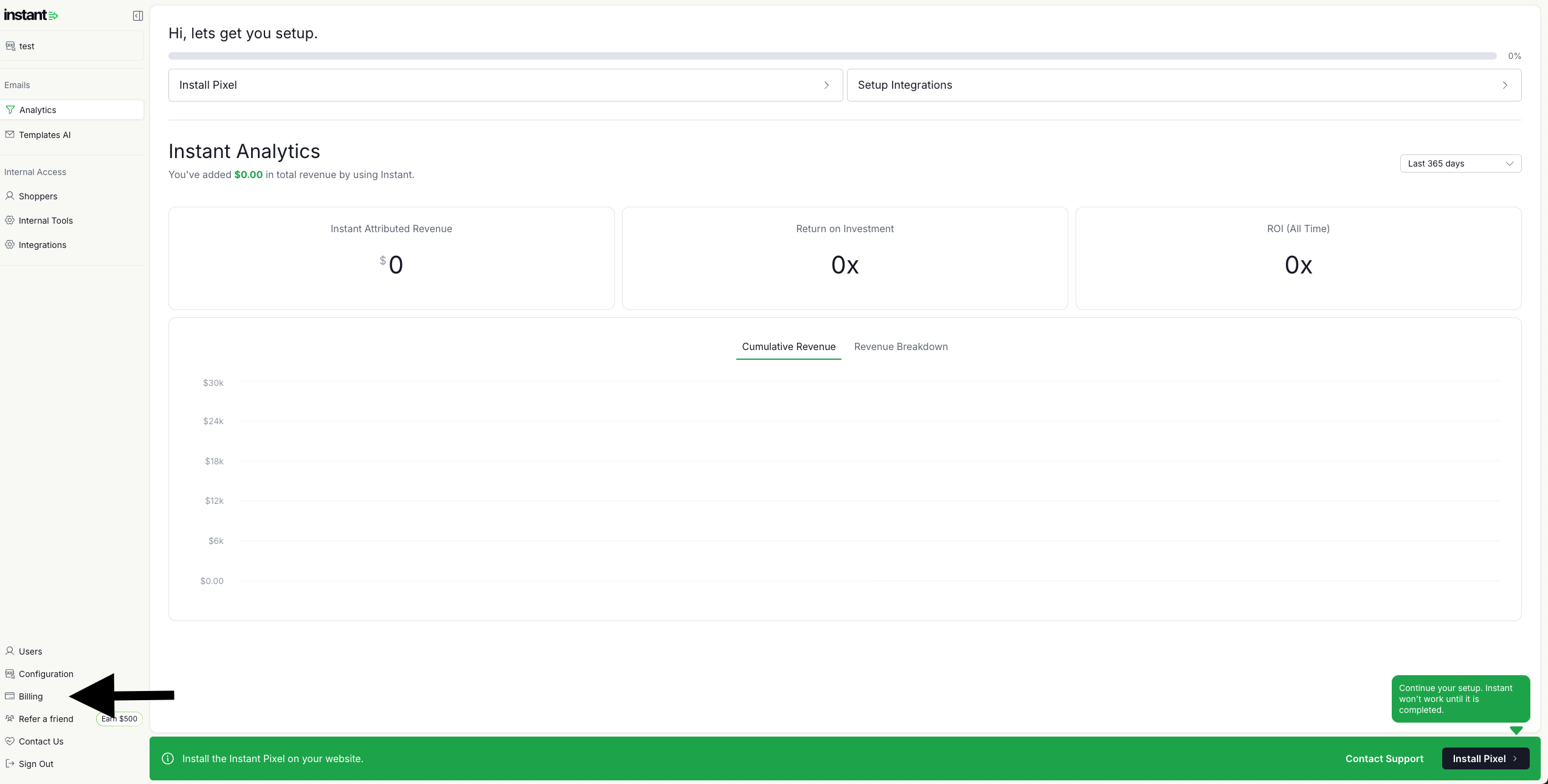
Step 1: Log into your dashboard and click Billing in the left-hand panel.
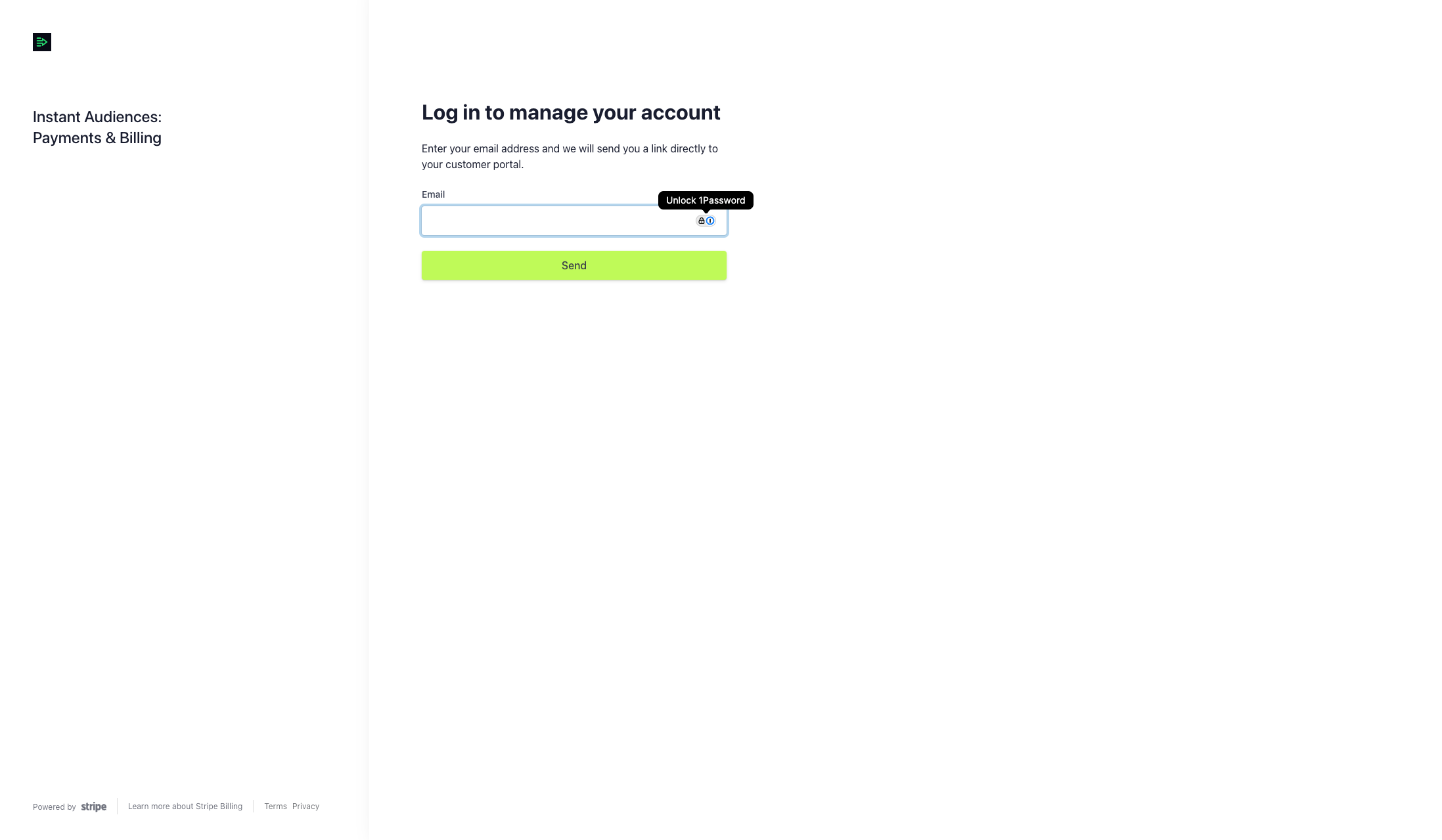
Step 2. On the Instant Audiences: Payments & Billing page, please use the email address associated with your billing details to log in. This will be the same email address associated with your payment subscription, where invoices are sent.