
If new subscribers are not being added to your list, it is usually because your Shopify connection is using an older set of permissions. Instant creates a customer record in Shopify each time someone subscribes, and it cannot do that without permission to write customers.
The scope to add is write_customers. You are updating the Instant app you already have installed, so you do not need to reinstall Instant or create a new app.
To add the write_customers scope:
- In your Shopify admin, go to Settings > Apps and sales channels > Develop apps
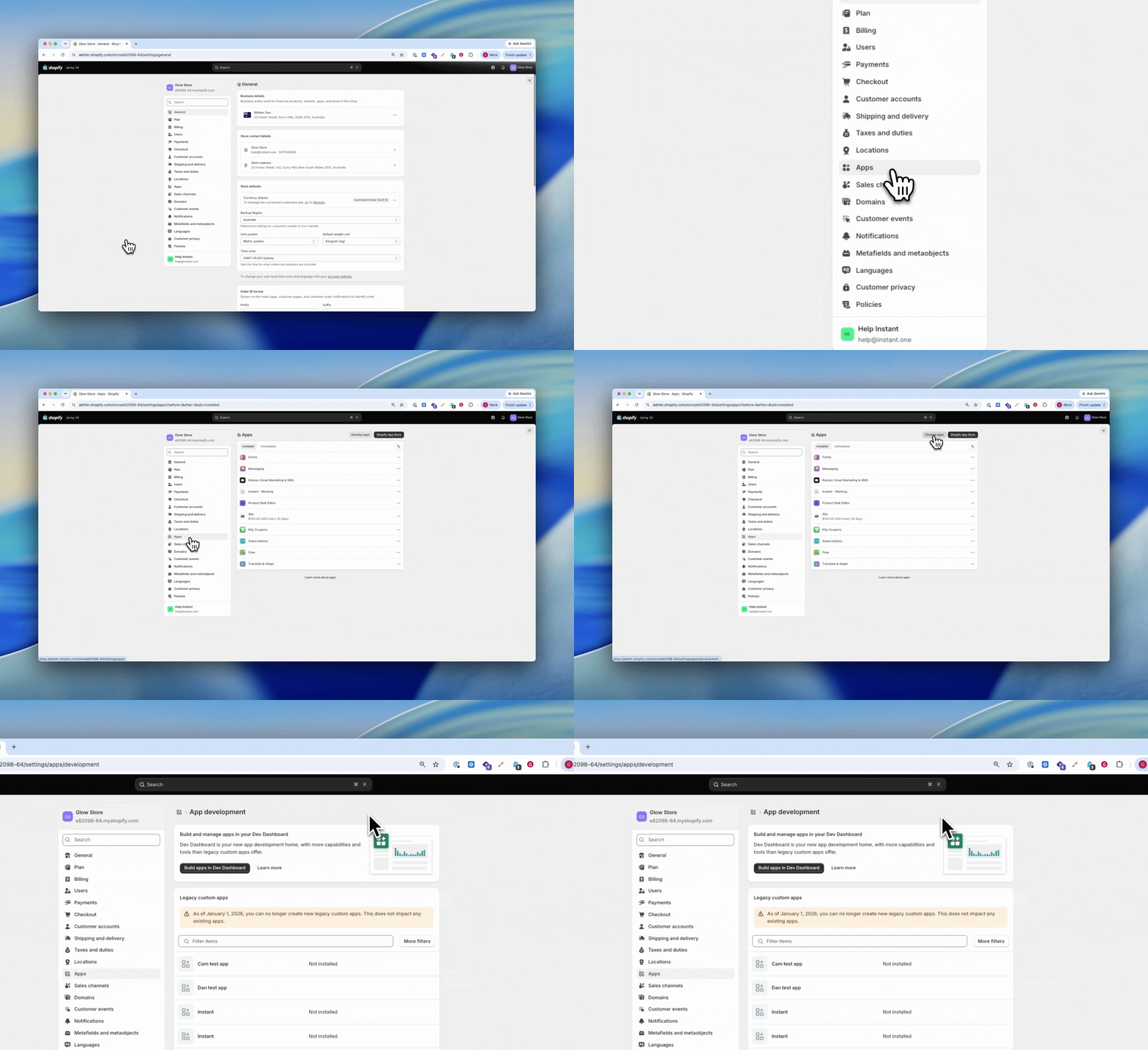
- Click Build apps in Dev Dashboard. This opens the Shopify Dev Dashboard in a new tab
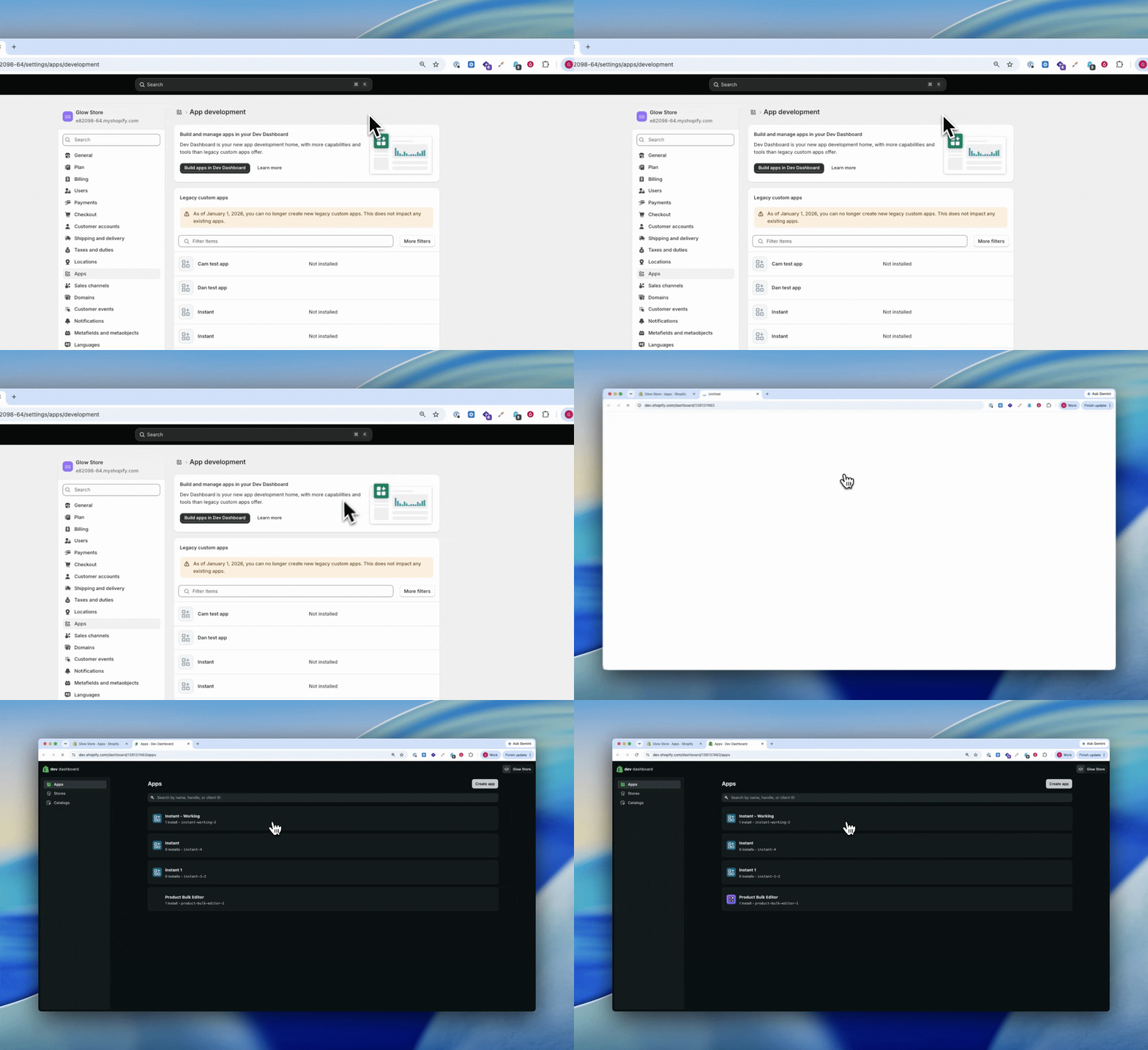
- Find the Instant app in the list and select it
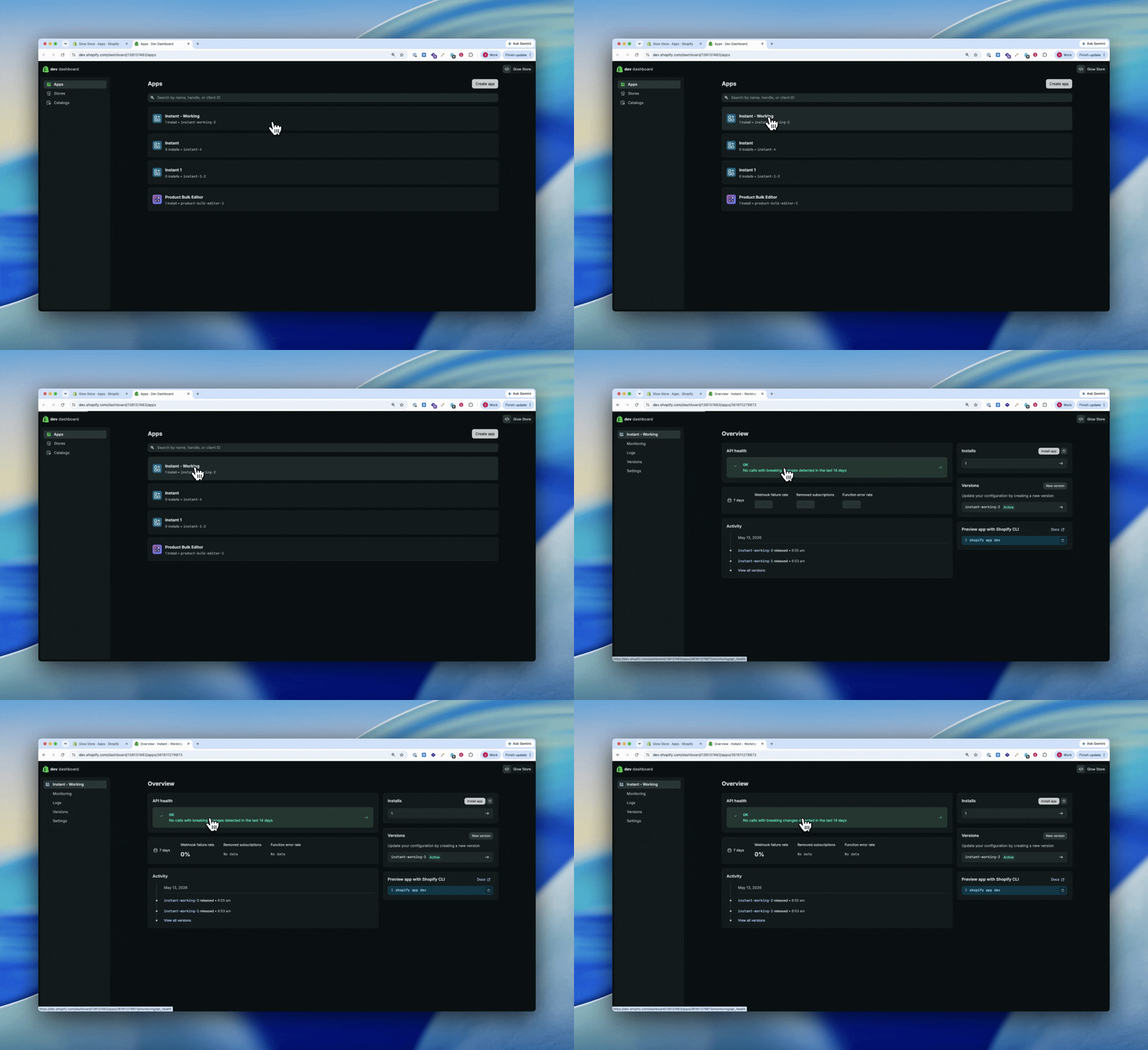
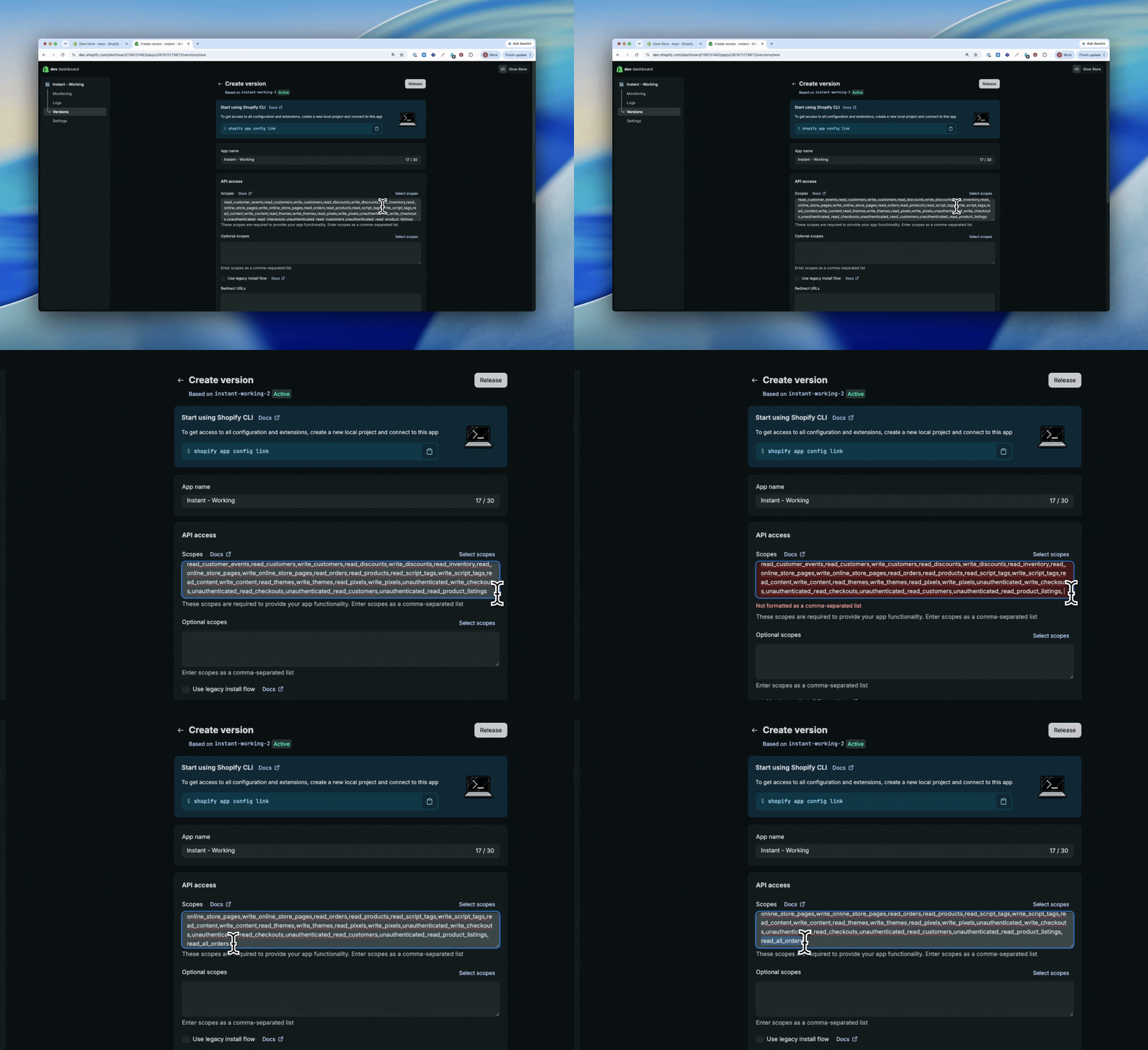
- Click Versions > Create Version
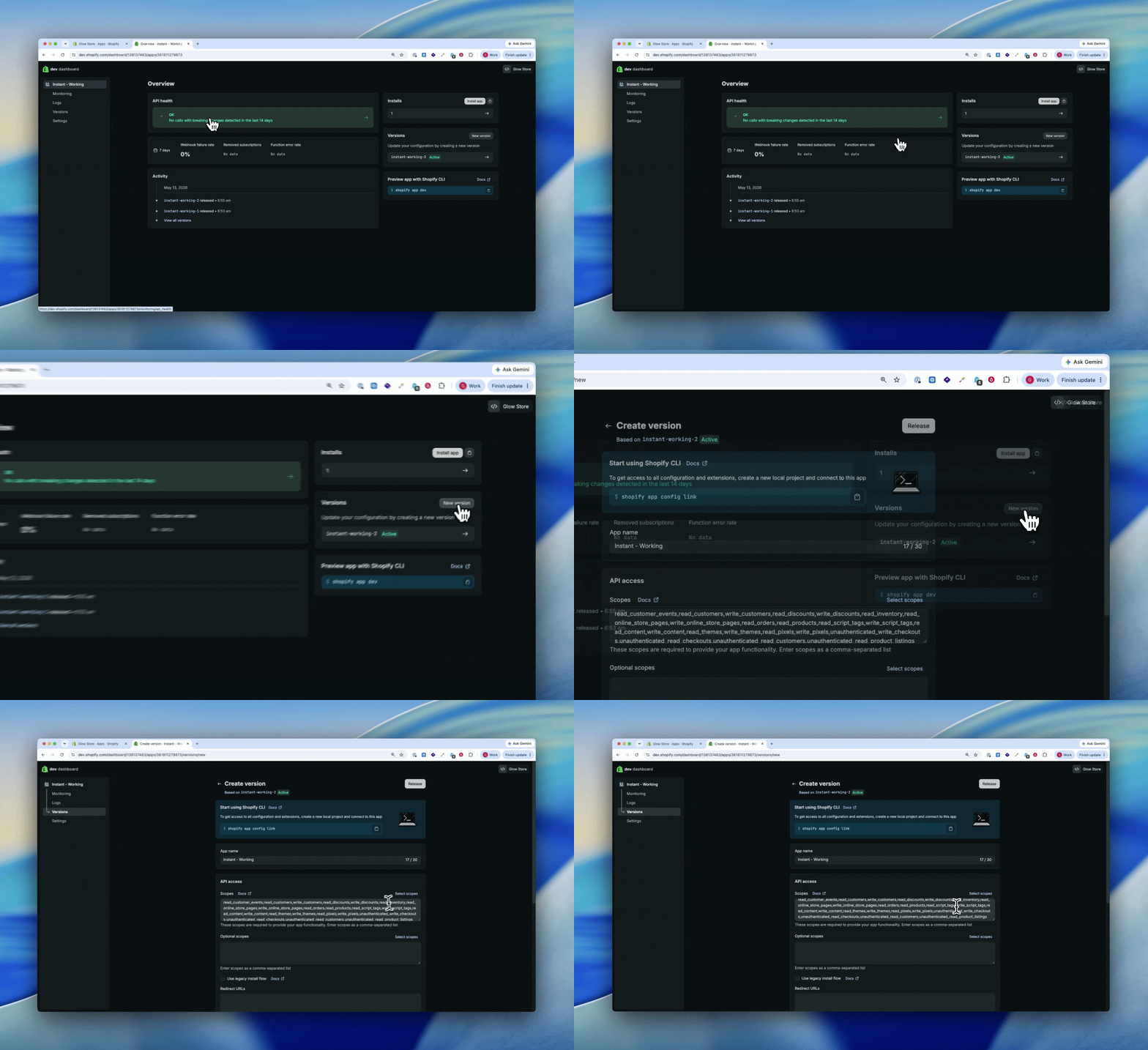
- Under Scopes, leave the existing list exactly as it is and add
write_customersto the end (for example, append,write_customers)
- Click Release, then confirm Release again in the pop-up
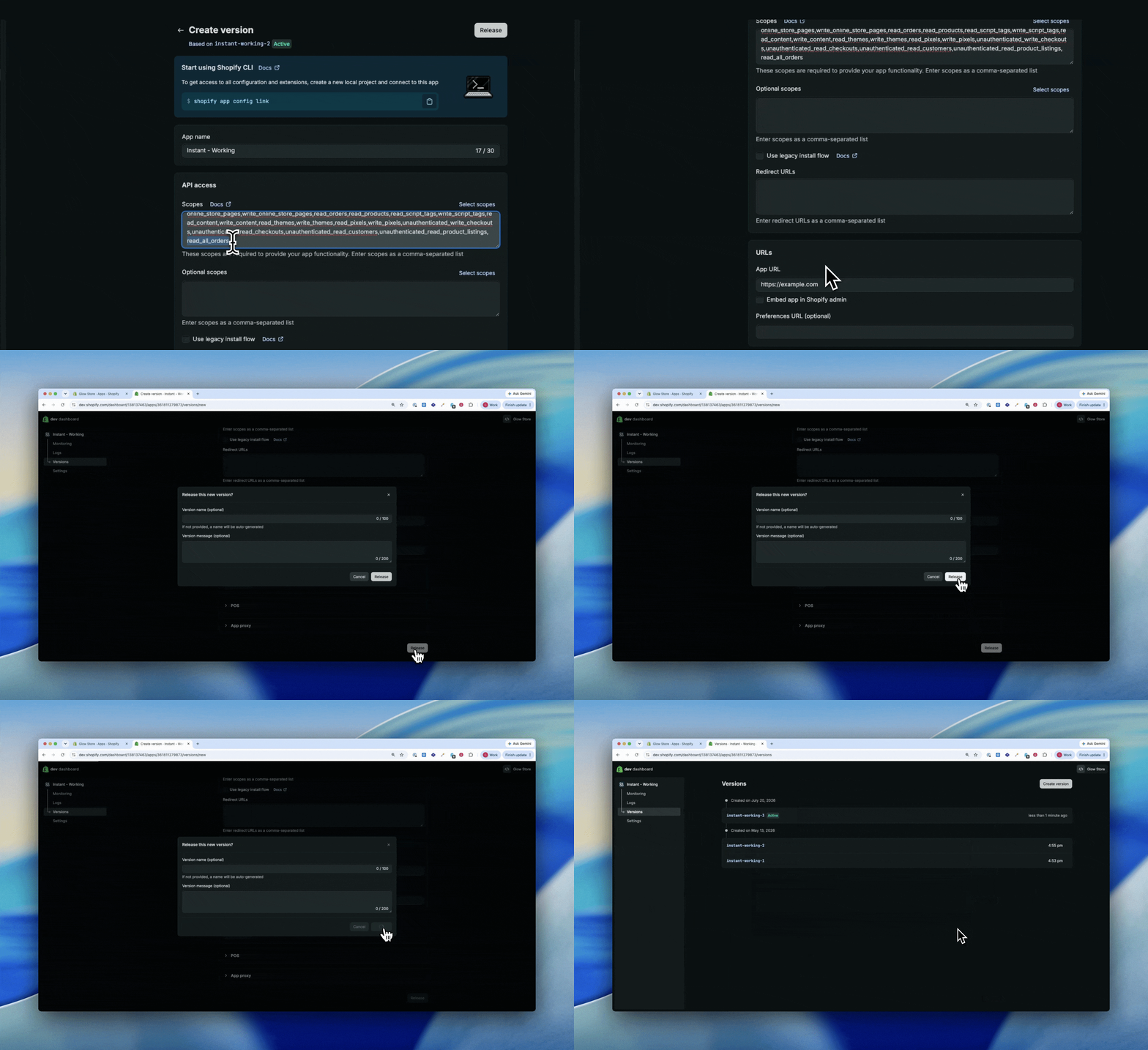
- If Shopify prompts you to approve the updated permissions on your store, accept it to finalise
Once released, the new version becomes active and the updated scopes apply to the installed app.
Note: Only add
write_customers. Leave every other scope in the list as it is, so you do not remove access Instant already relies on.
Tip: After releasing, check that the Instant app still shows 1 install. This confirms the update applied to your store.
What happens next
Instant can create customer records in Shopify as soon as the new version is released, so new sign-ups start being added to your list again. There is nothing more for you to do.
FAQ
Why do I need to add this scope? Instant writes new subscribers back to Shopify as customer records. Without write_customers, Instant can read your existing customers but cannot create new ones, so new sign-ups are not added to your list.
Will this affect my store or my customers? No. The scope only lets Instant create and update customer records. It does not change anything on your storefront and does not affect checkout.
Do I need to create a new app or reinstall Instant? No. You are adding one scope to the Instant app you already have installed.
What happens if I don’t add this scope? Instant will keep working for the shoppers already on your list, but new subscribers will not be created. Your list stops growing, and those shoppers never enter your welcome flow.
For more on updating your Shopify permissions, see How to add the read_all_orders scope to your Shopify integration.